
Stop Guessing Your Budget: Introducing Smart Calculator Expense Notes
Signature
How many times have you looked at a receipt or a bank statement days later and asked yourself, “What exactly did I buy for $45 at the convenience store?” Standard expense trackers make you enter a single number, losing all the context. Standard calculators do the math, but forget the history.
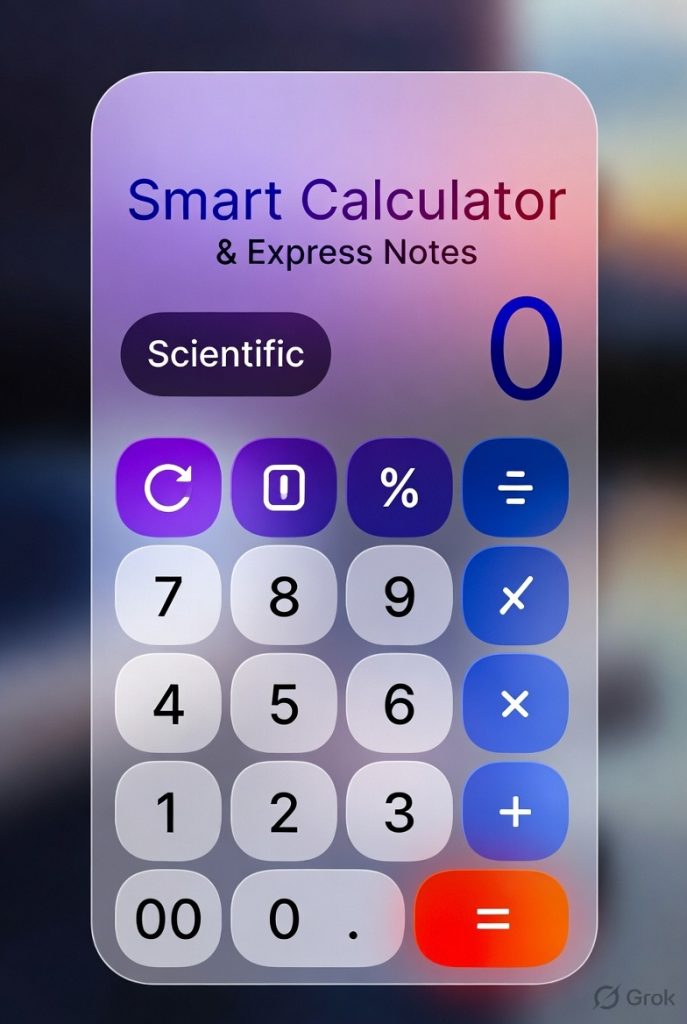
Enter the Smart Calculator Expense Notes workflow—a hybrid approach that treats your expense log like an interactive, calculating notepad.
The Problem with Traditional Tracking
Most budgeting apps force you into rigid categories. You click “Groceries,” type “120,” and hit save. But if that trip included a $20 kitchen gadget and $15 worth of pet food, your data is instantly flawed. Writing long-form notes alongside inline math solves this problem seamlessly.
Key Features of a Smart Note System
- Inline Arithmetic: Type text and math naturally. The system automatically parses numbers and operators to generate running totals.
- Tagging on the Fly: Use inline hashtags like
#groceriesor#utilitiesdirectly inside your notes to categorize line items instantly. - Audit Trails: Never wonder how you reached a final sum. Every step of the calculation remains saved as plain, readable text.
- Export Friendly: Because it saves as text, you can easily copy-paste your expense notes into Excel, Notion, or Google Sheets.
Target: 15 (shirt) + 12 (book) + 5 (snacks) = 32 #shopping. The calculator parses the math, while the tags handle the backend reporting.Why You Should Switch
By marrying your calculator with your notebook, you eliminate friction. You don’t need to switch apps, open spreadsheets on your phone, or remember complex accounting rules. You just write down what you spent, let the system crunch the numbers, and get on with your day.
`